Table of Contents
installator - CADP installation assistant
installator [
-beta]
This program installs CADP on one machine or on several machines
connected by a Local Area Network. It can also be used to upgrade an existing
version of CADP already installed. Installator takes in charge the following
tasks:
- Inquiry about the latest version of CADP available on the Web and
FTP sites of CADP,
- Download of the latest version of CADP available using
the HTTPS, HTTP, or FTP protocols,
- Archive extraction and installation
of CADP on the local machine or network,
- Registration of CADP using the
Request For License procedure.
Although a manual installation of CADP also
exists, the use of installator is strongly recommended, as it ensures that
the installation will be done correctly and automatically.
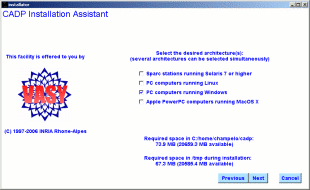
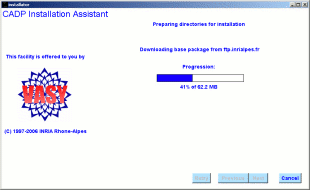
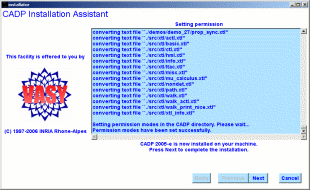
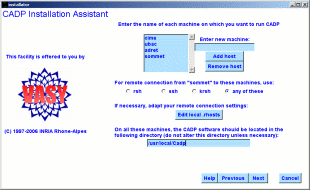
A few snapshots of Installator
- -beta
- download a beta-version of CADP (instead of a plain, stable
version). Do not use this option unless you have been specifically advised
to do so by the CADP development team.
Exit status is 0 if
everything is alright, 1 otherwise.
Hubert Garavel, Aldo Mazzilli,
Abdelilah Mejdoubi, Patrick Wendel (INRIA Rhone-Alpes)
installator
is a shell script located in
$CADP/com/installator that launches a Tcl/Tk
script to be executed by the
wish interpreter. The source files of
installator
are available in directory
$CADP/src/installator
tst
Additional
information is available from the CADP Web page located at http://cadp.inria.fr
Directives for installation are given in files $CADP/INSTALLATION_*.
Recent
changes and improvements to this software are reported and commented in
file $CADP/HISTORY.
Please report new bugs to
Hubert.Garavel@inria.fr
Table of Contents